
Heads up: this post contains affiliate links, and I may earn a commission if you buy through them, at no extra cost to you.
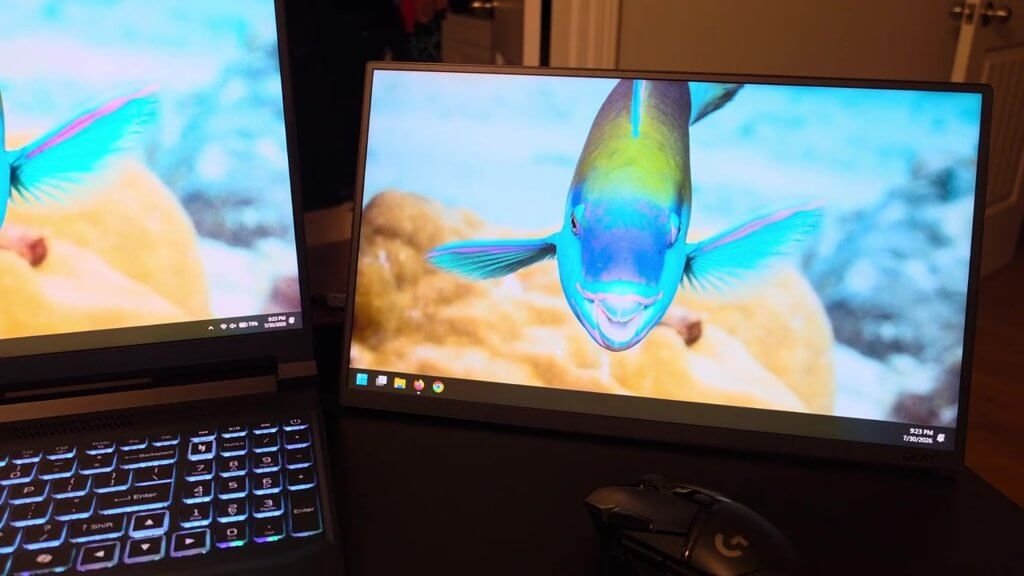
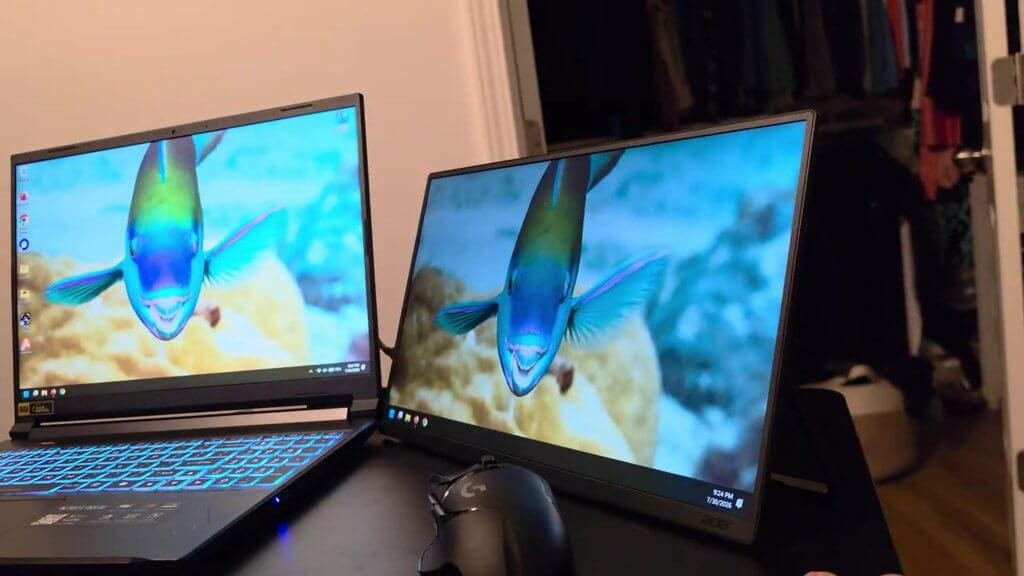
This is the Acer 16-inch portable monitor that I use with my laptop. It’s super thin, and it plugs in with either USB-C or HDMI.
Below is how it connects, what’s on the sides, and why I switched to it from the portable monitor I had before.
I bought this monitor myself.
Quick take
- Acer 16-inch portable monitor that plugs in with USB-C or mini HDMI
- Speakers built in, with side buttons for volume, brightness and quality settings
- Completely adjustable kickstand
- Super thin and light, which is why I switched to it for travel
- The catch: if you plug in with HDMI, you still need a USB-C power source to power the monitor
What I liked
Thin and light enough to travel with
I actually had a different brand one, but when I saw how thin and how light this one was, I switched to the Acer, just because it is easier to travel with being thinner and lighter.
Controls and speakers on the monitor
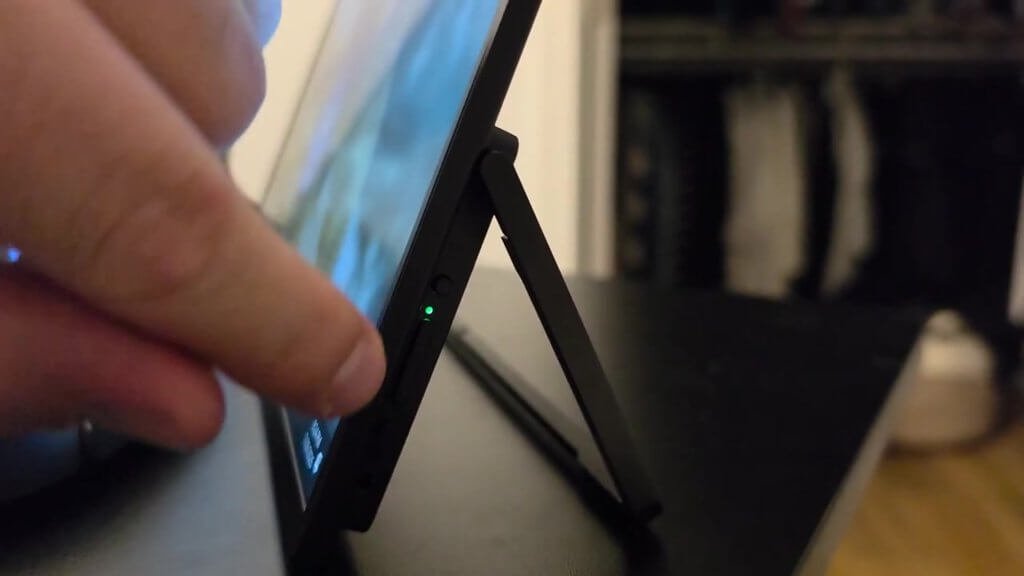
Coming across the side, you have the buttons. They change the volume, since there are speakers built in, and you can also change the brightness and quality settings on the monitor itself.
An adjustable kickstand
The kickstand is completely adjustable, so you can change the height for the monitor itself. On the other side you have the USB-C and the mini HDMI.
Things to know before you buy
- HDMI still needs USB-C power. If you do plug into HDMI, you will need to still have a USB-C power source to power the monitor.
- This is a walkthrough, not a color, brightness or response-time test.
What I didn’t cover
The listing mentions HDR10, a 6ms response time, an anti-glare screen, 220 nits brightness and a bundled USB port expander. I didn’t test or show those in the video, so treat them as listing text.
Specs from the Amazon listing
These come from the Amazon listing title. I didn’t test them myself:
- Brand: Acer (shown)
- Size: 16-inch class (as I describe it)
- Inputs: USB-C and mini HDMI (shown)
- Speakers: built in (as I describe it)
- Stand: adjustable kickstand (shown)
- HDR10, 6ms, anti-glare, 220 nits (listing)
Who it’s for
Good fit if you: want a thin, light second screen for your laptop that’s easy to travel with.
Maybe skip it if you: need measured brightness, color or response-time numbers, which I didn’t cover here.
Bottom line
The Acer is super thin, it plugs in with USB-C or mini HDMI, it has speakers and on-monitor controls, and the kickstand is completely adjustable. I switched to it because it’s easier to travel with being thinner and lighter, so that’s the monitor I would recommend.
Also in this video: the Acer Nitro V 16S laptop and the Logitech G502 Lightspeed Wireless mouse.
Price and availability change on Amazon, so check the listing for current details.
As an Amazon Associate I earn from qualifying purchases.